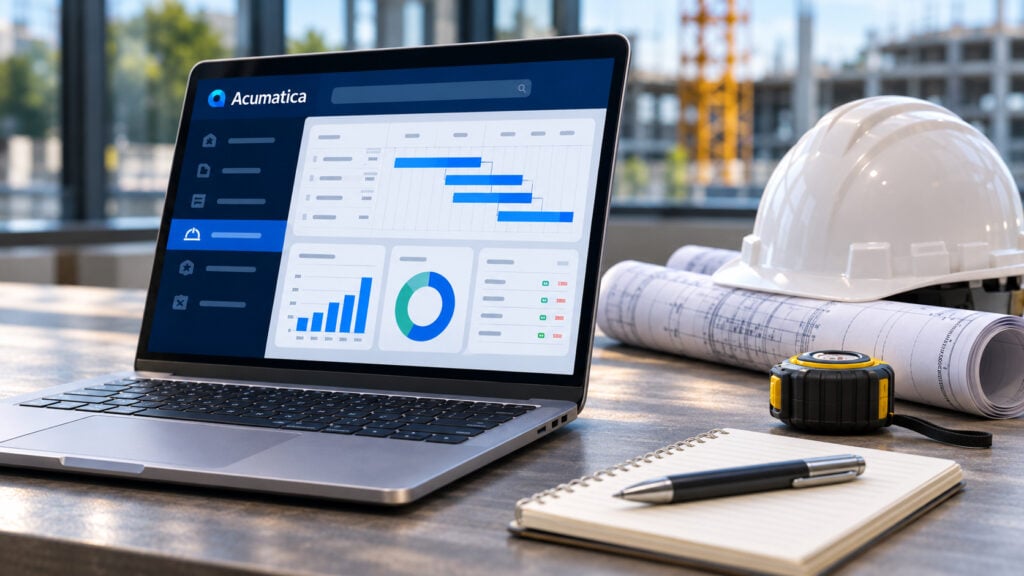
Project Accounting is the Acumatica module that tracks every project as its own profit and loss: budget, committed cost, actual cost, billing and revenue, in the same database as the general ledger, purchasing, inventory and payroll. This explainer covers what it does, how it differs from project management, how billing and revenue recognition work, and which editions include it.
What project accounting covers in Acumatica
A project in Acumatica is a container with tasks, cost codes, a revenue budget and a cost budget. Every transaction that touches the project, a vendor bill, a purchase order, a timesheet, an inventory issue, a payroll line, carries the project and task with it, so the project’s numbers are always current.

Budgets
Revenue and cost budgets by task and cost code, covering stock items, non-stock items, labor and services, with original and revised side by side.

Cost tracking
Labor, materials, equipment and subcontractor costs post against budget as they happen, with committed cost from open POs and subcontracts.

Change orders
Each change order carries its own revenue, cost and commitments, so the budget moves with scope. Costs can be released before the customer signs.

Forecasting
Budget forecasts by period, spread front-loaded, back-loaded, linear or on an S-curve, compared with actuals as the project runs.

Reporting
Profitability, budget-to-actual, committed cost and cash flow reports by project, plus role-based dashboards for project managers and executives.

Corrections
Transactions can be reclassified to another project, task or account directly, without anyone reversing journal entries by hand.
Project accounting versus project management
The two are often confused, including in search results. Project accounting is the financial record: what the project was expected to cost and earn, what it has cost and earned so far, and what is left to bill. Project management is the schedule and the paperwork: tasks, RFIs, submittals, daily reports, documents. Acumatica’s Project Accounting module is the first of these. The Construction Edition adds the second as Construction Project Management, with the Project 360 dashboard, document control and field access. Companies that have standardized on a tool like Procore keep it for the second job and use Acumatica for the first, with a published connector between them.
Billing methods: fixed price, cost-plus, time and materials
Each project task carries a billing rule, and the rule can differ by customer, employee and project type.

Fixed price
Bills a set amount on a schedule or at agreed milestones, regardless of what the work actually costs.

Cost-plus
Bills actual cost plus an agreed markup, and the billable amount can be capped so the customer has a ceiling.

Time and materials
Bills hours and expenses at agreed rates as they are logged, with rules that can differ by customer, employee and project type.

Progress billing
Bills by percentage of completion or quantity, and tracks how much of each approved change order has been billed.
Billing can run weekly, monthly, quarterly or on a company-specific statement cycle for a project or customer. Billing and revenue recognition are separate steps, which is what lets a contractor bill on one schedule and recognize revenue on another.
Revenue recognition and work in progress
Revenue can be recognized by percentage of completion, by completed tasks or milestones, or under the completed-contract method, with the recognition rules posting the journal entries. Costs on a completed-contract project sit in work in progress until the project closes, so cost of goods sold is not hit early. For companies that report under GAAP, the recognition method is set per project, and the project P&L shows earned revenue against cost rather than billed revenue against cost.
Time and expense on projects
Employees log timesheets and expenses through the Employee Portal or the mobile app, against a project and task, and each entry is marked billable, non-billable, overhead or shared. Approved time flows to the project’s cost, to billing if the rule says so, and to payroll if the company runs Acumatica Payroll. Labor cost rates can be set by employee and by project, which is how union and prevailing wage rates land on the right job.
Who uses it
Project Accounting is included in the Construction Edition and the Professional Services Edition, and it is an add-on module in the Distribution, Manufacturing, Retail and General Business Editions. In practice it runs in four kinds of business:

Contractors
Job costing, progress billing, change orders and retainage, with payroll by project. The Construction Edition page covers the full set.

Professional services
Engineering firms, consultancies, agencies and law firms billing time and expenses against fixed-fee or time-and-materials engagements, with a P&L per project.

Engineer-to-order and job-shop manufacturers
Projects trigger production orders and track cost, work in progress and billing, so each custom build has its own margin. See Acumatica for manufacturing.

Field service companies
Service orders roll up to a project for larger installations, so a job that takes several visits is costed as one job.
The common thread is that margin is decided per job. If your business bids, builds and bills by project and the job-level margin is a guess until the job closes, these job costing mistakes are usually why.
How Acumatica Project Accounting is licensed
Acumatica is licensed on the resources a company consumes rather than per user, so every project manager, estimator and field lead can have a login without adding seats. Project Accounting is part of the Construction and Professional Services Editions and added to the license in the others. Acumatica pricing explained sets out how the license is built.
Questions about Acumatica Project Accounting
What is Acumatica Project Accounting?
It is the module that tracks each project’s budget, cost, billing and revenue in the same database as the general ledger, purchasing, inventory and payroll, so project profitability is current rather than reconstructed at month-end.
Is Acumatica a project management tool?
Project Accounting is the financial side. Project management (schedules, RFIs, submittals, documents, daily reports) is a separate module in the Construction Edition, and companies that use Procore can connect it to Acumatica instead.
Which billing methods does it support?
Fixed price, cost-plus with an optional cap, time and materials, and progress billing by percentage of completion or quantity, with a billing rule per task and a billing cycle per project or customer.
How does it handle revenue recognition?
By percentage of completion, by completed tasks or milestones, or by the completed-contract method, set per project. Billing and revenue recognition are separate steps.
Can employees enter project time and expenses from the field?
Yes, through the Employee Portal or the mobile app, against a project and task, with approval routing before the entry reaches cost, billing or payroll.
Which Acumatica editions include Project Accounting?
It is included in the Construction and Professional Services Editions and available as an add-on in the Distribution, Manufacturing, Retail and General Business Editions.
See project accounting on your own jobs
We implement Acumatica Project Accounting for contractors, services firms and project-driven manufacturers, and the fastest way to judge the fit is to run one of your own jobs through it. Request a consultation.